
One app.
Every workout. Workout interval timer for iPhone & Apple Watch
HIIT, Tabata, yoga and stretching. Free, no ads.

iPhone and Apple Watch.
In the same rhythm.
All you need is your iPhone. Add an Apple Watch and it’s on your wrist too.
- Big digits you can read from across the room
- Work and rest in different colours
- A voice counts down and tells you what’s next
- Pause from your phone or your watch


Easy setup.
Three numbers, one tap.
Rounds, work and rest. That’s all it takes.
- Left/Right mode for yoga and stretching
- Favourite workouts and sets pinned to the home screen
- Light, dark or automatic mode


Your workout on the Lock Screen.
One tap from the Home Screen.
Put your phone down. Your workout stays at hand.
- Live Activity and Dynamic Island
- Your music keeps playing, Ares lowers it if you like
- Open the app or start your last workout right from the widget


Save your own workouts.
Or start with ready-made ones.
Build a workout once and start it with a single tap.
- Unlimited basic workouts and sets
- 16 ready-made workouts and 6 sets →, each with a description
- Add a workout from your coach or a friend via link or QR code
- Share your own workouts and sets the same way


The whole plan.
On one screen.
Exercises, notes and workouts chained into a set.
- 116 exercises with photos and descriptions
- Dumbbell, kettlebell, band and pull-up bar exercises too
- Your own note for each workout, like tips from your coach
- Warm‑up, main workout and stretching in one set


Heart rate & calories.
Right on your wrist.
Leave your phone on the floor and train with your watch.
- Live heart rate, zones and calories
- Pause with a double tap
- Train with just your watch, no iPhone
- Heart rate from AirPods Pro 3 and Powerbeats Pro 2 too


Your workout history.
At a glance.
Every workout with heart rate, zones and exercises.
- Heart rate chart for work and rest
- Weekly trends and your weekly streak
- Show off your result: a ready-made graphic with your photo for a story or post
- With a watch or earbuds, workouts also go to Health and Fitness
Free to use.
Plus if you want more.
Plus supports the app’s development and gives you a few extras in return.
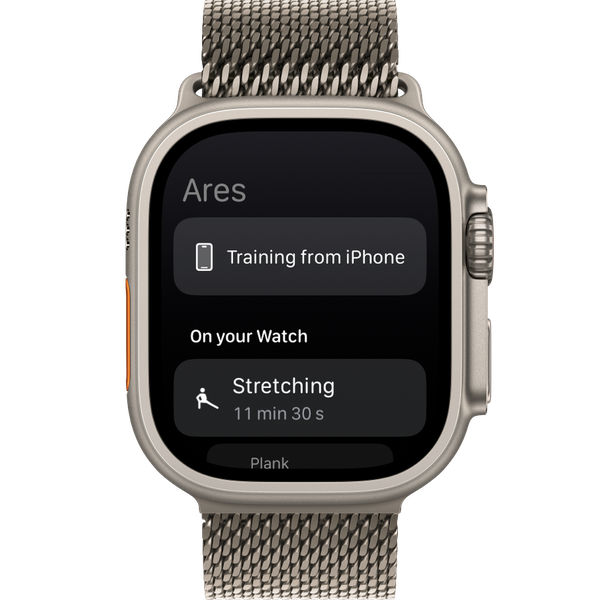
- Workouts on Apple Watch, no iPhone needed
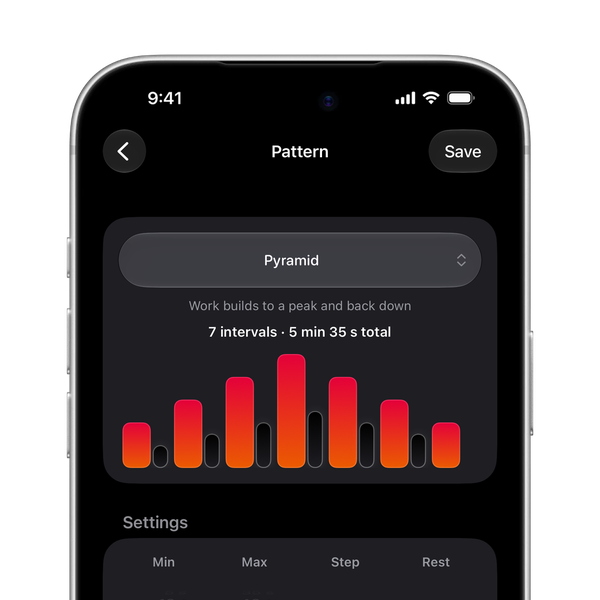
- Intervals that rise and fall
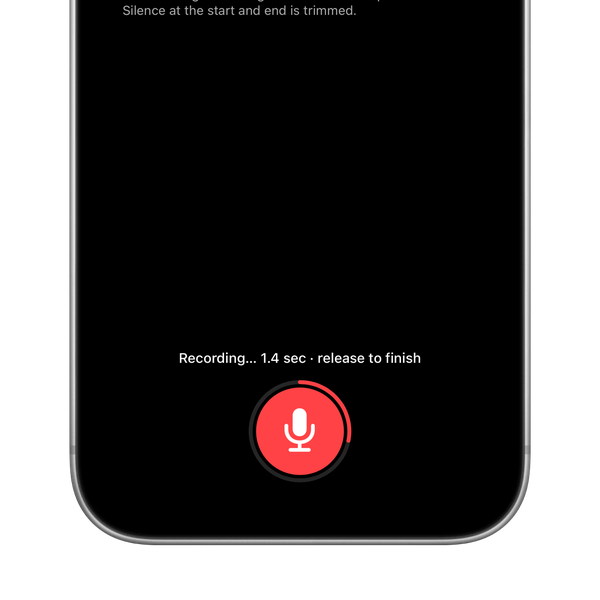
- Exercise names in your own voice
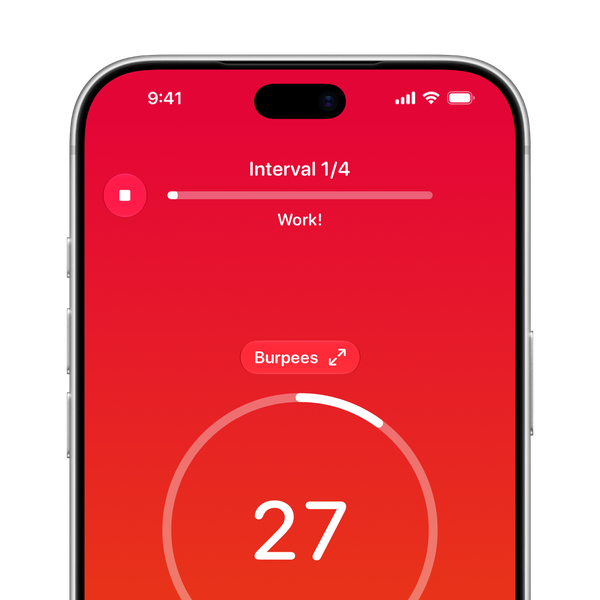
- 9 themes, plus Day or your own colours
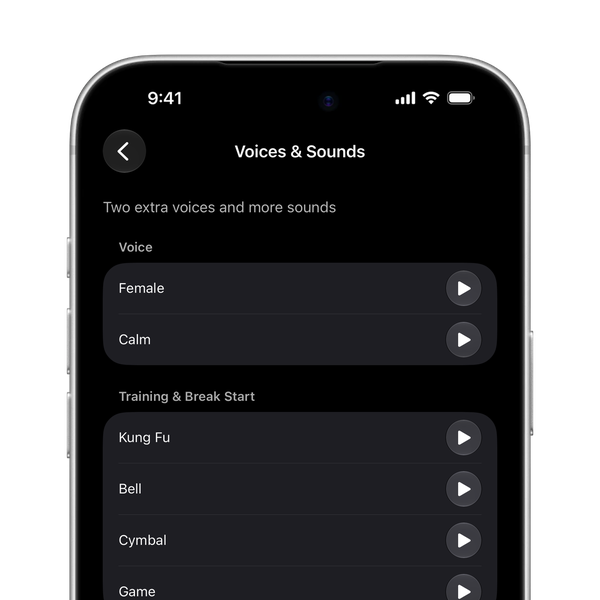
- Female and Calm voices, new sounds
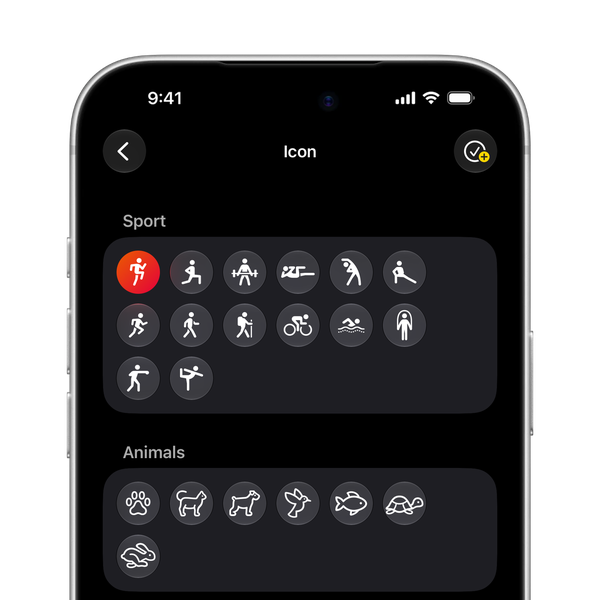
- And more: custom times, icons and Family Sharing


Monthly, yearly or once, forever.
Learn more about PlusQuestions and answers
Is Ares free?
Yes. Every core feature is free, with no ads and no limit on how many basic workouts and sets you save or how long they are. Ares Plus is an optional way to support the app, with a few extras.
How do I set up a Tabata workout?
Tabata is 8 rounds of 20 seconds of work and 10 seconds of rest. On the Timer screen, pick 8 rounds, 20 s work and 10 s rest, then tap Start. Save the workout and next time it’s one tap away.
Does the timer work with the screen locked?
Yes. Lock your phone or switch to another app, and Ares keeps counting and giving voice cues.
Does Ares stop my music?
No. Music from Spotify, Apple Music or any other app keeps playing. If you want, Ares lowers it for cues.
Can I train with just my Apple Watch?
Yes. Put a workout on your watch and leave your phone behind. One workout on Apple Watch is free, up to 50 with Ares Plus. The result lands in your history when you’re back with your iPhone.
How do I add a workout from a friend?
Your friend shares a workout or set from Ares as a link or QR code. Open the link or scan the code with your camera or the scanner in the app, check the preview and tap Add to my workouts or Add to my sets. No account, no sign-in.
Which devices does Ares work on?
iPhone and iPad with iOS and iPadOS 18.6 or later, and Apple Watch. The whole app is available in 13 languages.
Ready to train?
Download Ares for free and start your first workout in under a minute.
Feedback, a bug, a feature idea or a translation? I read every message.
Send feedback